
Censys Assistant in ASM
The Censys Assistant is an AI-powered tool in the Attack Surface Management (ASM) UI that allows you to input questions and prompts in a natural language and obtain answers based on the assets present in your attack surface inventory.
In addition to answering questions about your inventory and generating queries, you can use the assistant to generate custom reports about your attack surface.
Prerequisites
- To use the Censys Assistant in ASM, your organization must be migrated to the Platform for team management. Contact your Censys representative to learn more about migrating.
- On the Platform Organization Settings > Privacy page, you must have the AI Features toggle enabled.
How to use the Censys Assistant
-
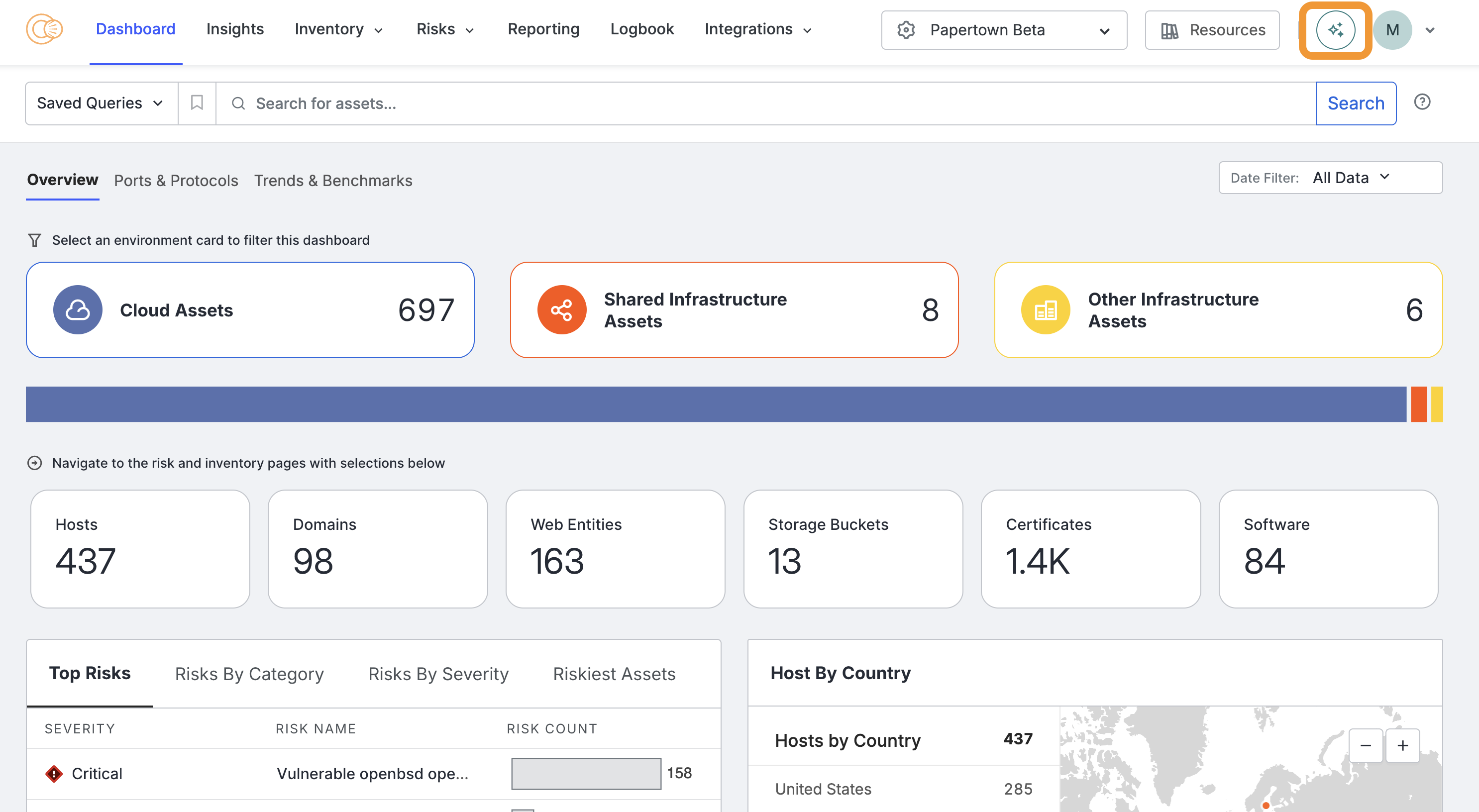
In the ASM web console, click the three-stars icon in the top-right corner of the page.
-
In the prompt dialog box, enter a question or statement that can be answered using data from your attack surface inventory.
Example use cases
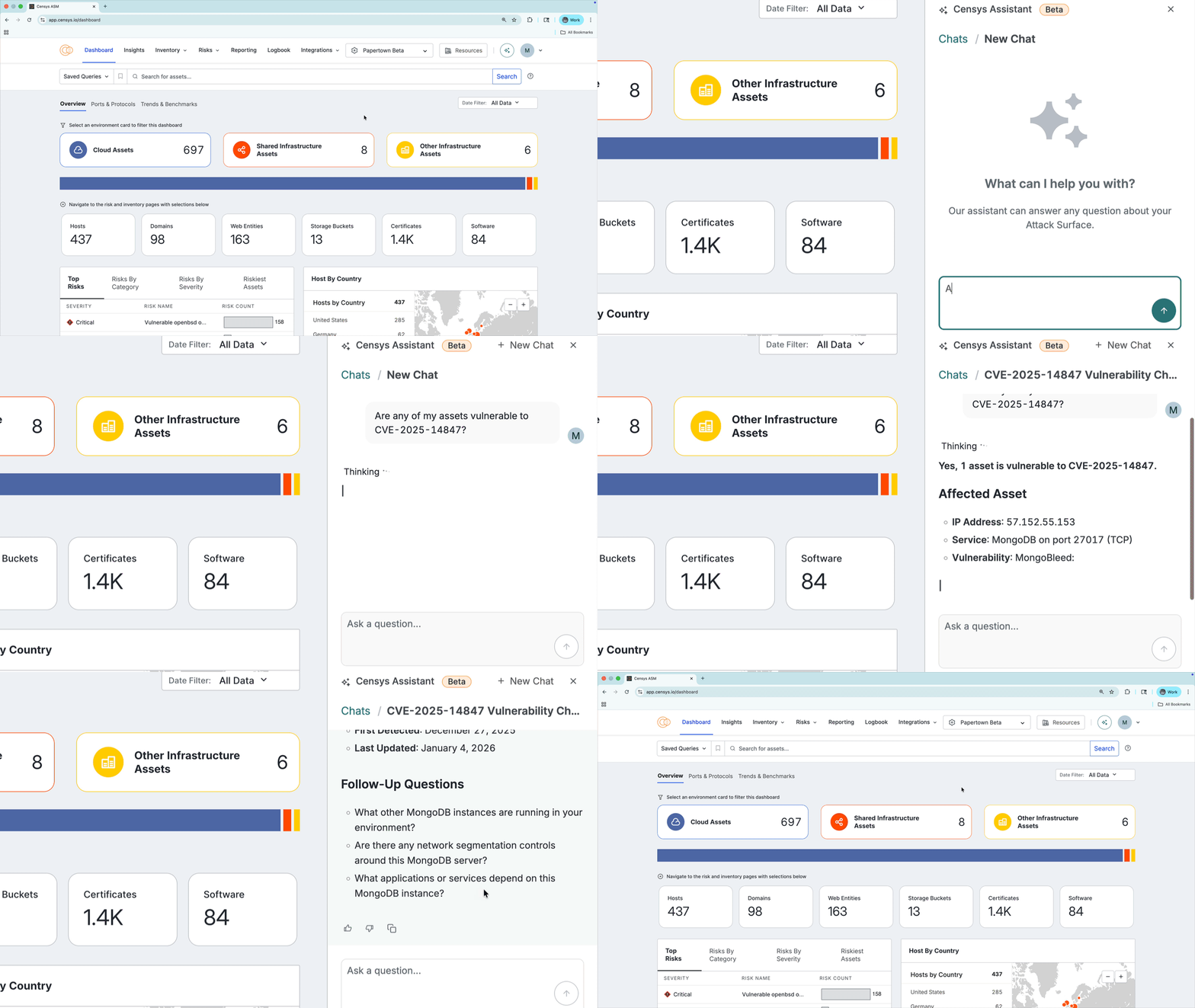
Investigate whether any of your assets are vulnerable to a specific CVE
Ask the assistant whether any of your assets are vulnerable to a specific CVE, such as CVE-2025-14847. Use the follow-up questions to look into similar assets that are running the same software.
Quickly summarize key statistics about your ASM workspace
Use the assistant to break down which cloud providers are present in your inventory with a prompt like "Which cloud providers are present in my inventory?"
Determine whether there are any FAR prohibited vendors in use in your attack surface
Ask the assistant "are there any FAR prohibited vendors in my attack surface?" to identify assets that need to be investigated to ensure compliance.
Find services running on nonstandard ports
Prompt the assistant with "Are any protocols running on nonstandard ports?" to find protocols that are running on nonstandard ports that may pose potential risks.
Use the Censys Assistant to generate reports
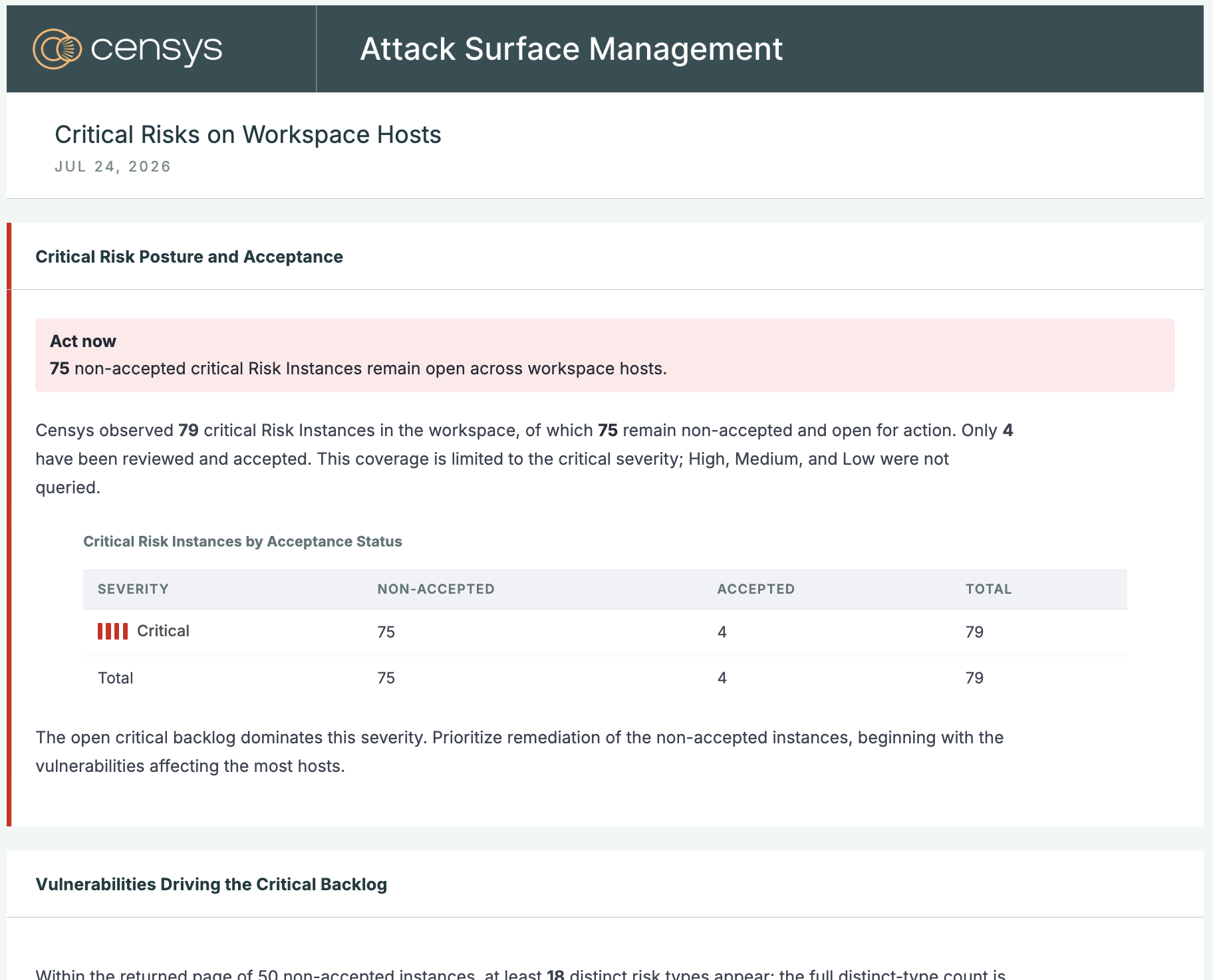
You can use the assistant to generate custom reports about your attack surface. When you open the assistant, three suggested report prompts are provided:
- Draft a report on open critical risks
- Create a report on risk reduction over the past month
- Build a report on my software and devices
You can use these suggested prompts as a starting point or prompt the assistant to build custom reports on topics like:
- Risk trends, including when risks were open and closed
- Specific protocol or software exposures
Click the link provided in assistant responses to view the report. To save the report, use your browser's print or save functionality to save the report as a PDF.
When printing saved reports, Censys recommends using the "Scale to Fit" and "Fill Entire Paper" settings to avoid cutting off headings and titles.
You cannot directly edit a report, but you can prompt the assistant to modify a report that it has previously created.
View historical chats
To view your previous interactions with the assistant, open the assistant panel and click Chats. All of your previous chats are listed with generated names.
Data processing information
Censys uses large language models (LLMs) from OpenAI and Anthropic to process information input into the Censys Assistant and output responses. Information sent in chat is shared with OpenAI and Anthropic, but Censys has opted out of allowing these third parties to use this data to train and improve their LLM models.
Configure AI tool usage and privacy settings
Learn about how to configure personal and organizational AI tool usage and privacy settings here.
Updated 2 months ago