
Connected Applications
You can connect your Censys Platform account to applications that use the OAuth 2 standard. Use the Connected Apps page in the Censys Platform UI to review and manage applications and services, like the Platform MCP server and the cencli CLI tool, that you have granted access to your Censys account and have allowed to use Censys APIs on your behalf.
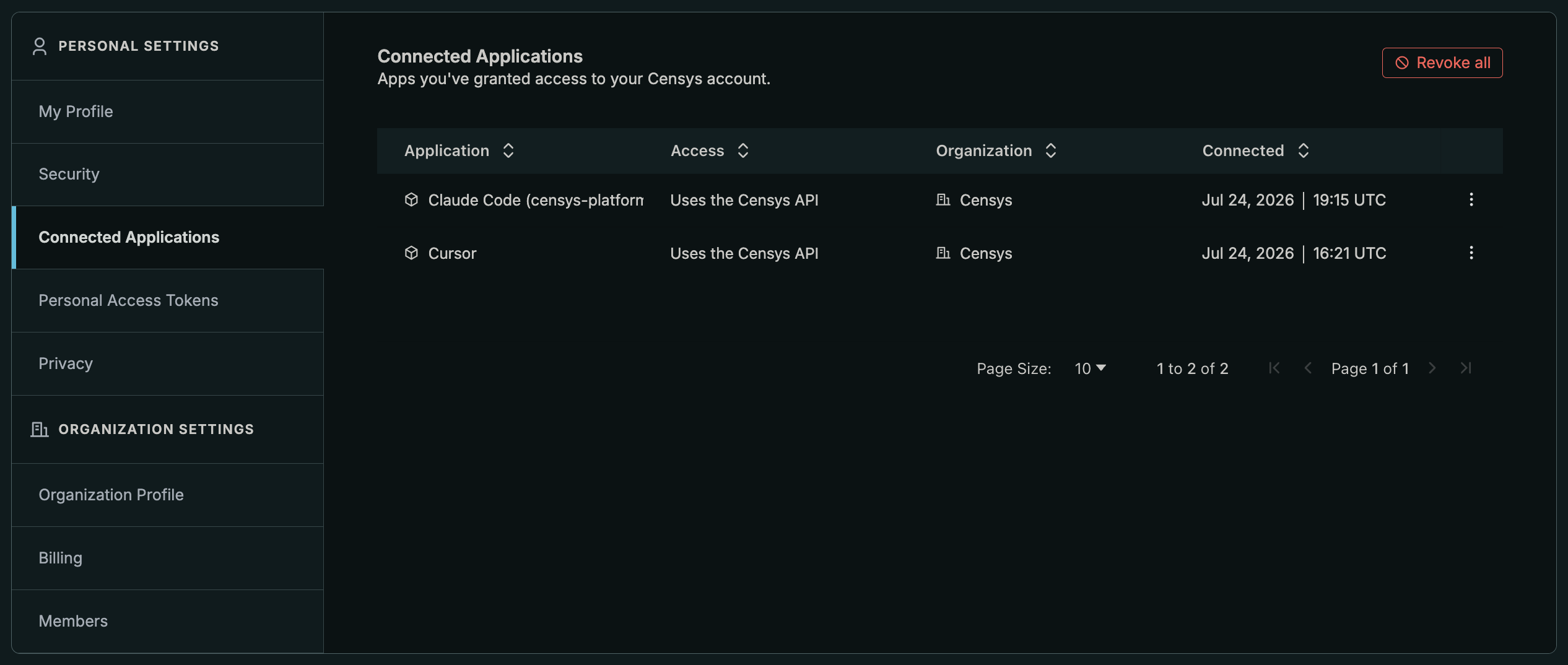
Manage your connected apps
To see your connections, go to Account Settings > Personal Settings > Connected Apps. Each entry in the table lists the name of the connection, the exact scope granted, the Censys Platform organization it is scoped to, and when the connection was set up.
Click the three-dot menu icon for a connection entry to revoke its access.
To revoke all of your connections, click Revoke All.
Updated 3 months ago